Build Tracking

Track Every Mod.
Share the Whole Build.

Your build lives in 40 camera-roll photos and a forum thread nobody can find. GarageHub keeps the whole thing in one place — every mod, part, and dollar — then turns it into a clean public page you can share with a single link.

Free to startPrivate until you publishNo login to view

Your Build History Is Scattered Everywhere

Receipts in a shoebox. Part numbers in a notes app. Before-and-after shots buried in your camera roll. A spec list you retype every time someone asks "what's done to it?" When it comes time to show the build — or sell it — you're stitching the story back together from five places.

GarageHub keeps it together as you go. Log a mod when you install it, snap the photo, note what it cost. The build sheet writes itself — and when you're ready, one switch turns it into a page worth sharing.

From Build Plan to Public Page

A build plan is just your mod list with a status on each part. GarageHub turns it into a live, sharable page automatically.

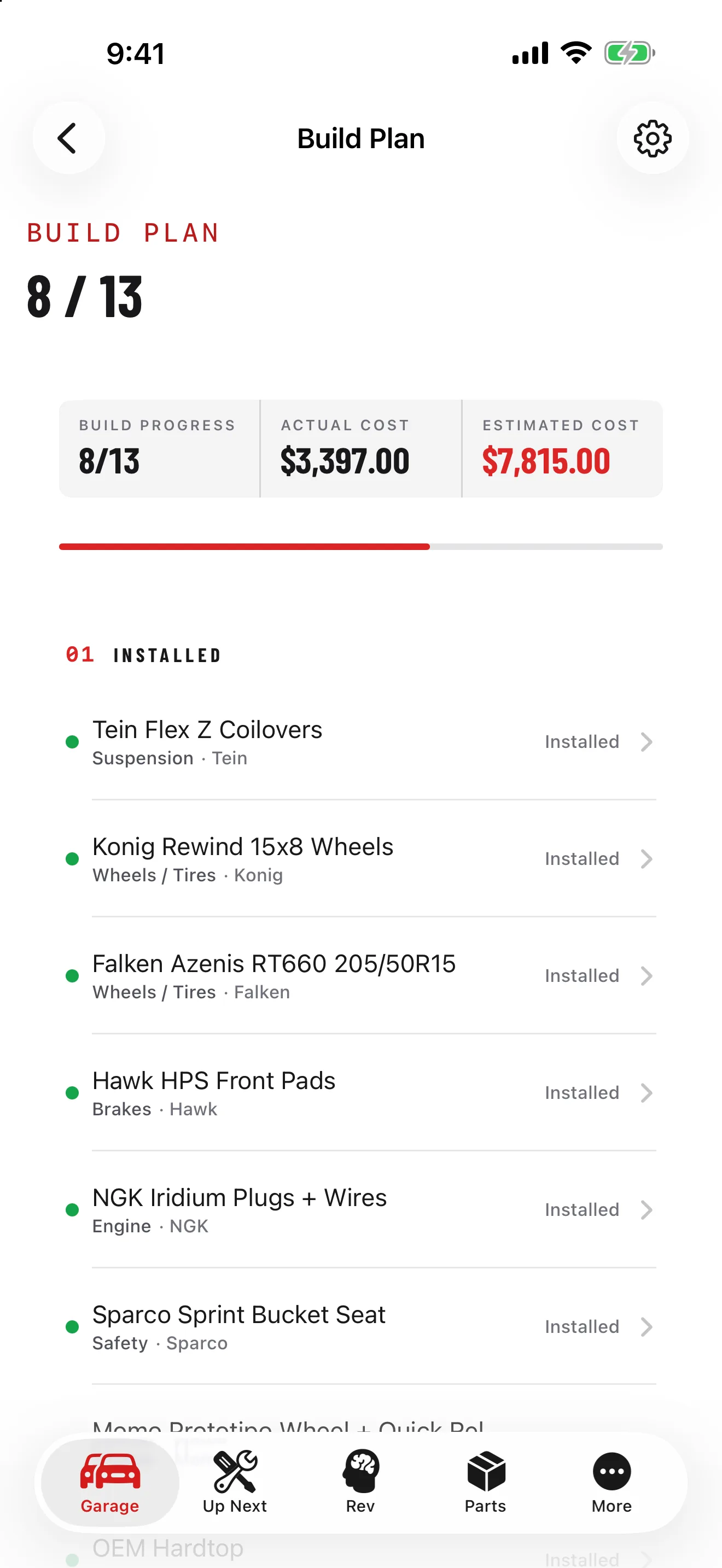
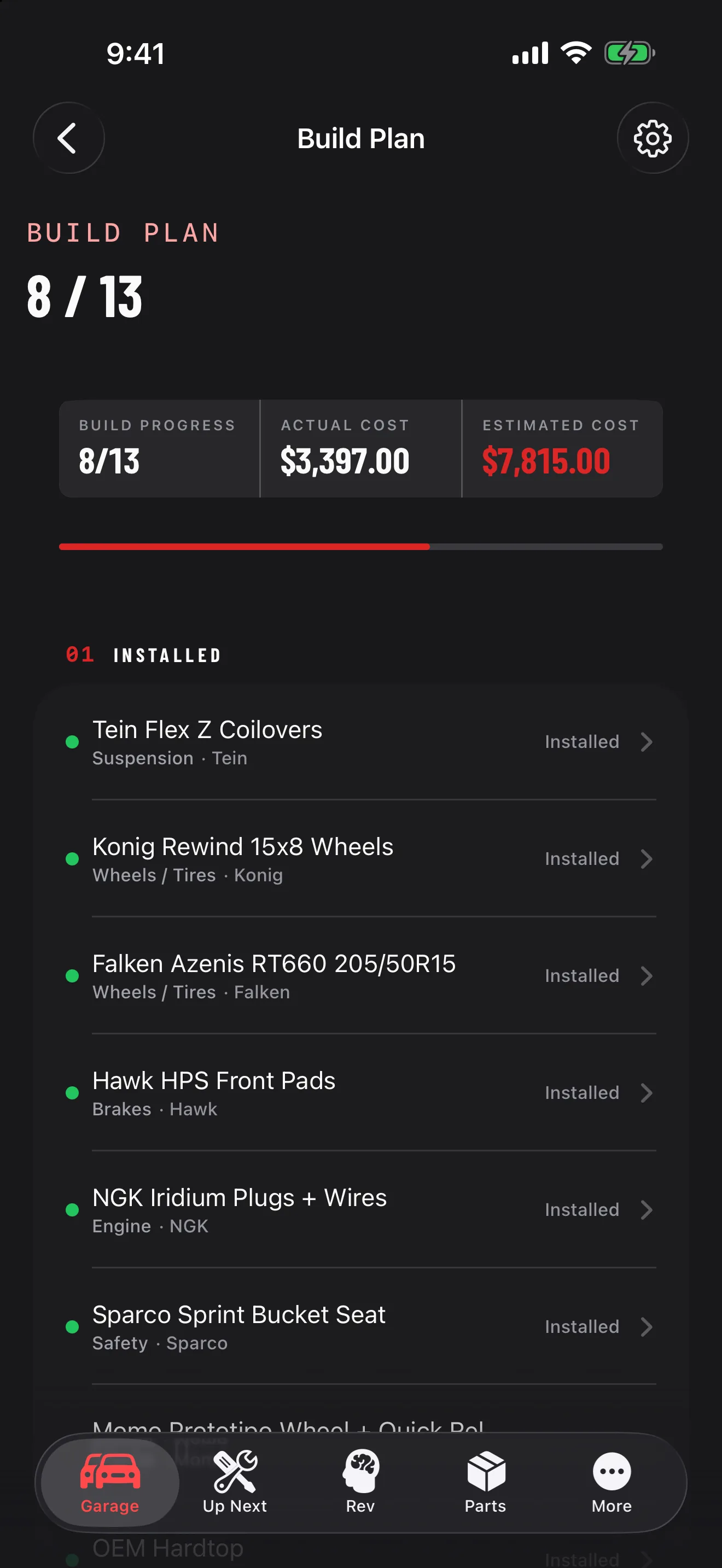
  • Log mods by status — installed, ordered, planned, or wishlist. Add the brand, part number, and cost. Build progress is calculated for you, by category.
  • Photos, timeline, and parts come along — your gallery, service history, and parts inventory are already in GarageHub, so the build page is rich from day one.
  • Flip it public — toggle the build to public and pick what shows: costs, timeline, photos, and issue list are each optional.
  • Share one link — drop it in a forum thread, the group chat, or a for-sale ad. It unfurls with a designed preview card. No app, no login to view.
A Build Page, Done Right

Not a photo dump — a structured page that reads like the best build thread you've ever seen, in seconds.

📋
Forum-Style Spec Sheet

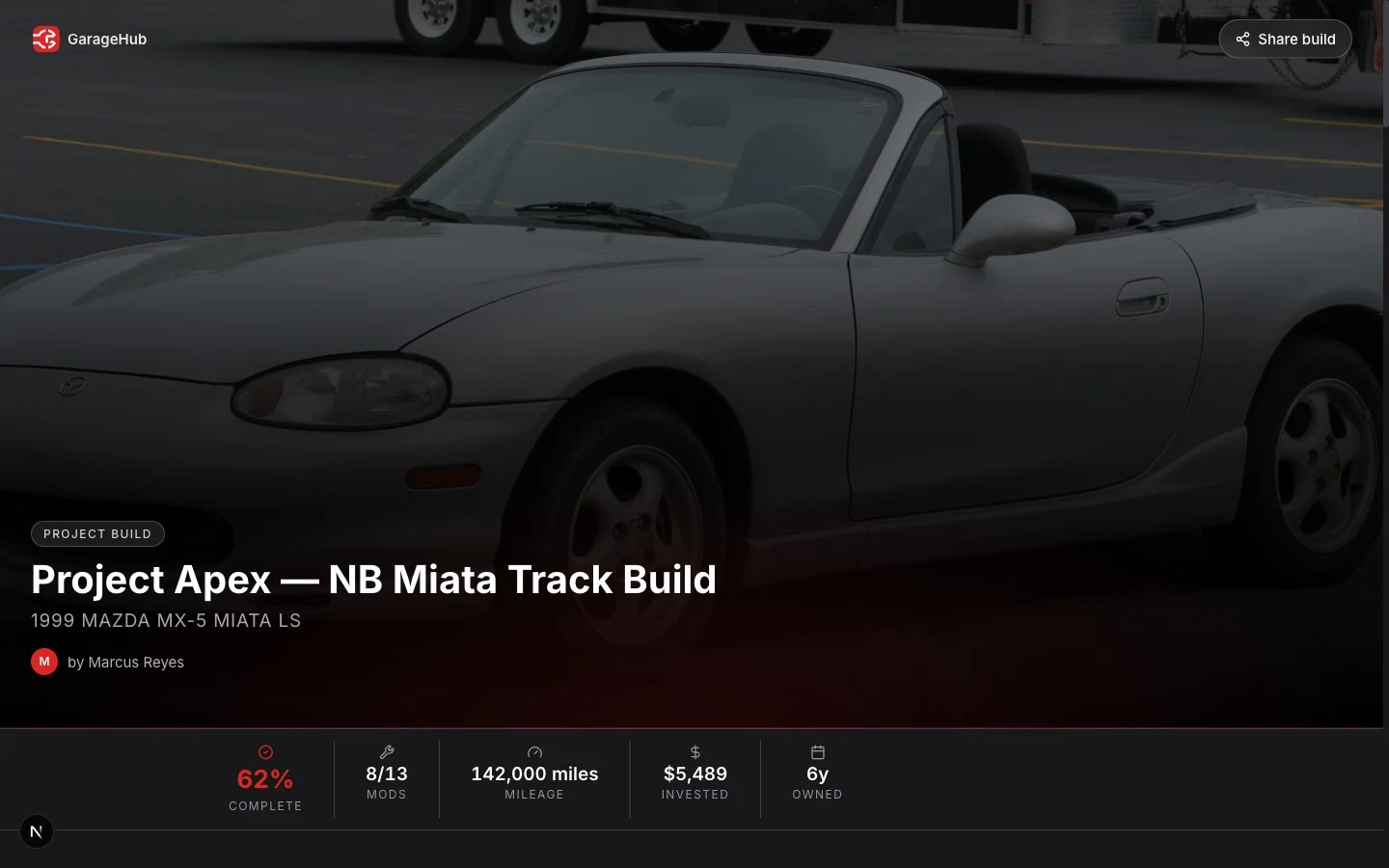
Factory specs, a "by the numbers" panel — mileage, money invested, mods installed — and your full mod list with brands and part numbers, grouped by status.

📸
Photo Gallery

A magazine-style gallery with a lightbox. Captions on every shot — the engine bay, the wheels, the track days.

📈
Build Progress

A completion ring plus a category breakdown — engine, suspension, brakes, wheels — so visitors see how far along the build really is.

🕑
Service Timeline

Your real maintenance history, dated and mileage-stamped, with parts used and costs — proof the car's been cared for, not just modded.

Frequently Asked Questions

What is a GarageHub build page?
A public, shareable web page for one of your vehicles. Make a build plan public and GarageHub generates a fast page with a forum-style spec sheet, your full mod list, a photo gallery, build progress, and your service timeline. Anyone with the link can view it — no app or login required.
Is build tracking free?
Yes. You can track a build and create a public build page on the free tier. Premium unlocks unlimited vehicles and unlimited Rev AI, but sharing a build is available to everyone.
Who can see my build, and can I hide what I paid?
Builds are private by default — nothing is public until you flip the switch. Even then, you control what shows: costs, the service timeline, photos, and the issue list are each toggleable, so you can share the mods without revealing what you spent.
What shows up on the build page?
Factory specs, a "by the numbers" panel (mileage, money invested, mods installed), your full mod list with brands and part numbers grouped by installed / ordered / planned / wishlist, a photo gallery, build progress by category, and your maintenance timeline.
Can I share my build on forums and Instagram?
Yes — that's the point. One clean link for a forum thread, a group chat, an Instagram bio, or a for-sale ad. The link unfurls with a designed preview card showing the vehicle, mod count, and money invested.
Build it. Track it. Show it off.

Start Your Build Page

Add your project car, log your first mod, and flip it public when you're ready. Free to start — no credit card required.

Builds are private until you choose to publish