Your old service records come with you.
Years of oil changes, brake jobs, and receipts don't have to start over just because you switched apps. Upload a CSV from your old app, snap a photo of your old receipts, or tell Rev what you remember — GarageHub drafts the entries and backfills your service history in one sitting.
Old receipts in, draft logs out
Give Rev the old receipts
Rev drafts a log for each job on the previous owner’s receipts. Nothing is saved until you review them.
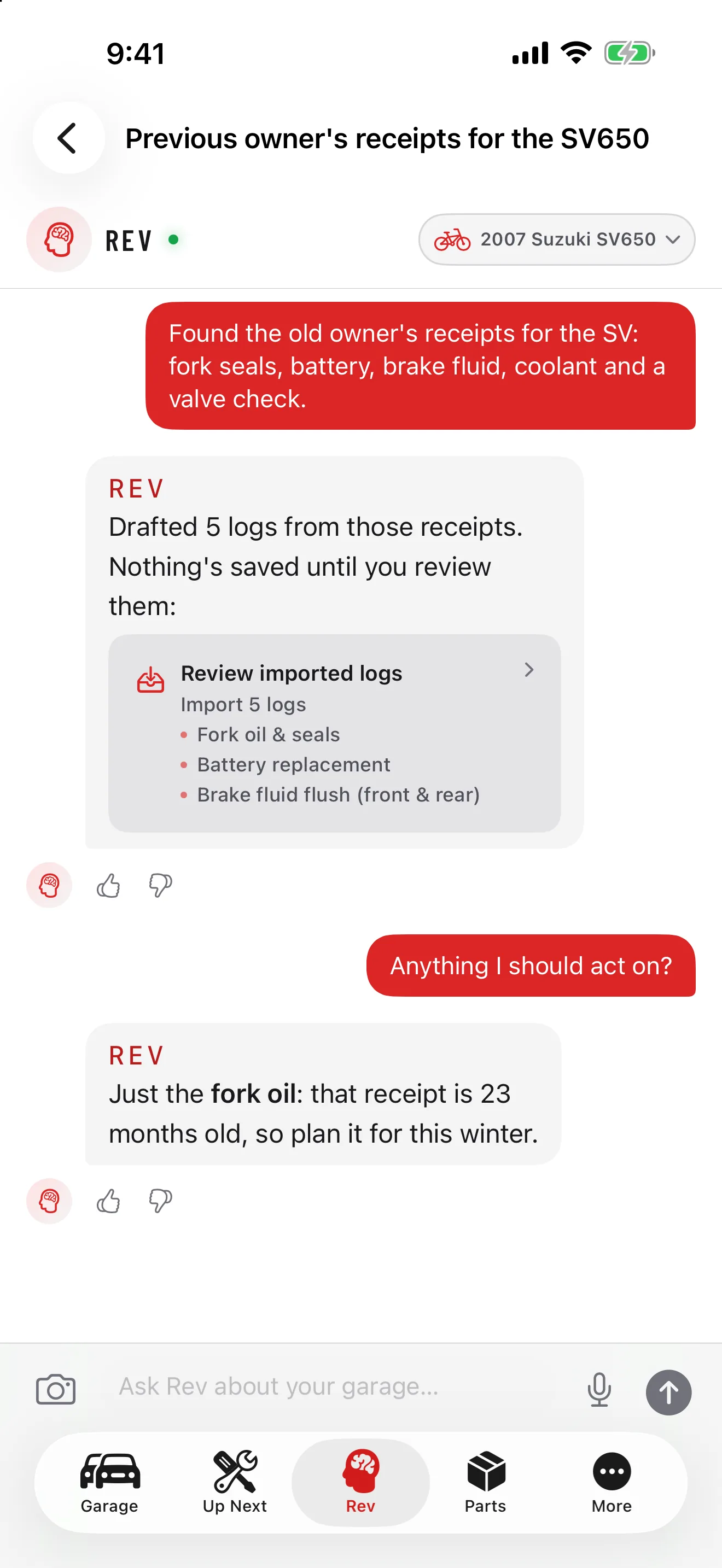
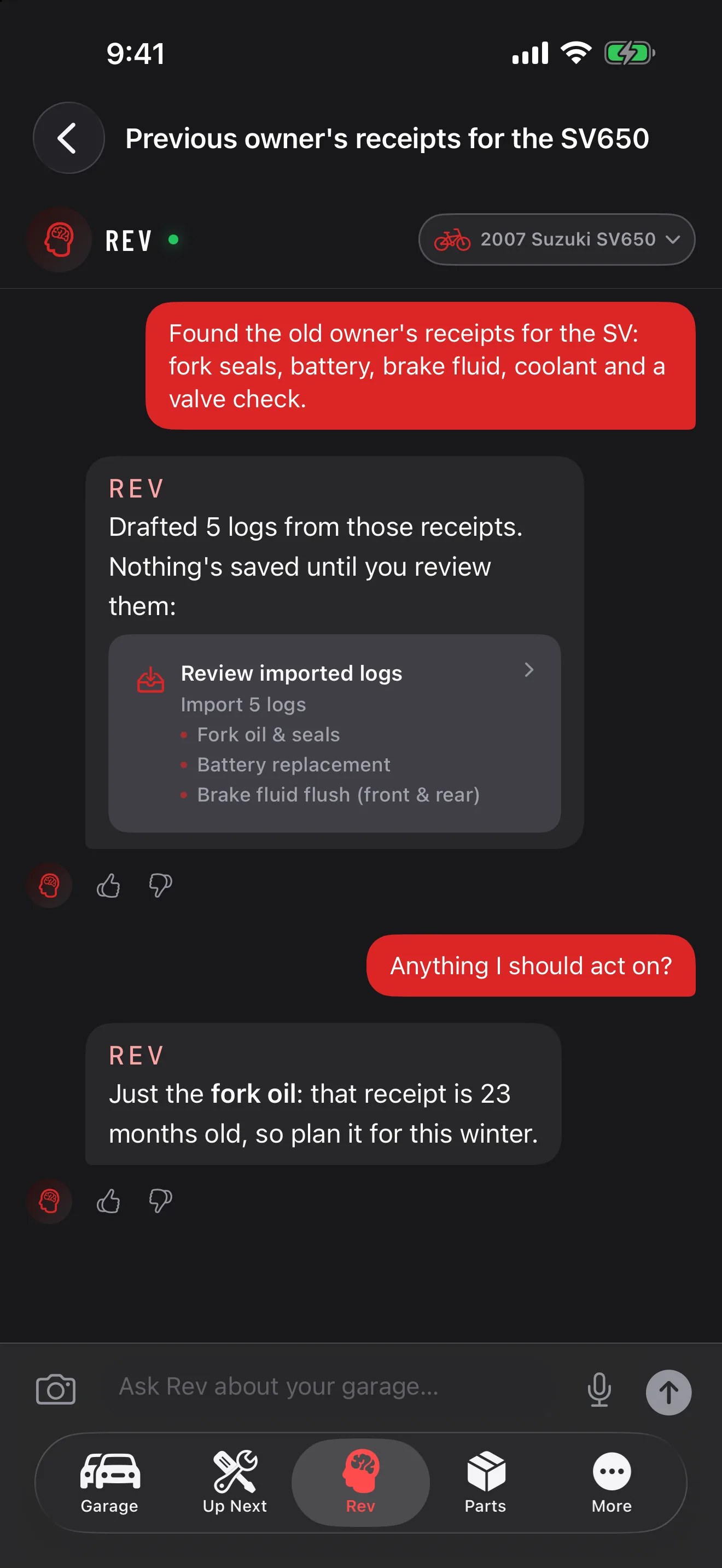
Your service history is everywhere but in one place
A shoebox of receipts. A canceled app you don't open anymore. A rough memory of when the timing belt was actually done. Starting a new maintenance app usually means starting from a blank garage — and a blank garage can't tell you what's overdue.
GarageHub reads what you already have, so you don't retype it. Photograph your receipts or describe the work to Rev in plain words, review the drafts once, and your real history is in, mileage and all.
Three ways in, one review screen
Whichever way you bring it in, every draft lands in the same batch review before anything is saved.
- Upload a CSV — export your history from Drivvo, Simply Auto, or a spreadsheet and upload the file on the web app. Map the columns once, and already-imported entries are skipped automatically.
- Snap your receipts — photograph as many old service receipts as you have. GarageHub reads the shop, date, cost, mileage, and what was done from each photo.
- Or tell Rev — describe what's been done in your own words. Rev drafts the log entries from your answer and asks at most one follow-up question.
- Review the batch — every draft, from any source, lands in one list. Edit anything that's off, uncheck anything you don't want.
- Commit and you're caught up — everything you kept becomes real maintenance logs, and any mileage on a receipt backfills your mileage history too.
Coming from another tracker?
GarageHub reads CSV exports from Fuelly and other trackers and matches the columns for you. Choose the file, check the rows, then save.
Built for a shoebox, not one receipt
Photograph the whole stack, or upload one CSV. Every entry lands in the same review screen, and nothing is saved to your garage until you have read it.
Receipt batch scanning
Photograph a stack of receipts at once — GarageHub parses each one into a draft: shop, date, cost, mileage, and categories.
Rev backfill interview
Tell Rev what's been done — “timing belt about a year ago, brakes last spring” — and it drafts the entries from your answer.
One batch review
Every draft, from any source, lands in the same screen. Edit, uncheck, then commit — nothing saves until you say so.
Mileage backfill
Imported services with a mileage reading also add to your mileage history, so reminders are accurate from day one.
CSV file import
Upload an export from Drivvo, Simply Auto, or any spreadsheet on the web app — map the columns once, preview every row, and duplicates are skipped on re-import.
Common questions
Is importing my history free?
Yes. Free covers up to 50 service entries, imports included, and up to 10 of them can be drafted from receipts. Premium removes both caps. Talking to Rev about your history uses your normal Rev message allowance.
Can I import a CSV or export from Drivvo, Simply Auto, or another app?
Yes. Export your history as a CSV from your old app and upload it on the GarageHub web app — map the columns once, preview every draft, and commit. Duplicates are skipped automatically, and mileage readings come along too. CSV upload is web-only; the drafts and your history sync to iOS and Android.
What if the AI gets something wrong?
Every draft is editable before you commit — fix the date, cost, category, or mileage, or reject it outright. Nothing becomes a real log until you review the batch and confirm.
Does importing update my mileage history too?
Yes. Any imported service with a mileage reading also adds to your mileage history, which GarageHub uses to work out when your next service is actually due.
Can I import history for more than one vehicle?
Yes, one vehicle at a time — each import batch belongs to a single vehicle. Switch vehicles from the import screen and start a new batch whenever you're ready.
Bring your history in
Upload a CSV, snap your receipts, or tell Rev what you've done — free for up to 50 entries, no credit card required.